 USD
USD EUR
EUR GBP
GBP CAD
CAD AUD
AUD HKD
HKD JPY
JPY KRW
KRW SGD
SGD NZD
NZD THB
THB TWD
TWD English
 日本語
日本語 한국어
한국어 Français
 Español
 Português
 Nederlands
 繁體中文
繁體中文
By DIGIBox TV Box | 04 February 2026 | 0 Comments
DIGIBox D6 Max Review: Features, Setup, and Why It's the Ultimate Android TV Box
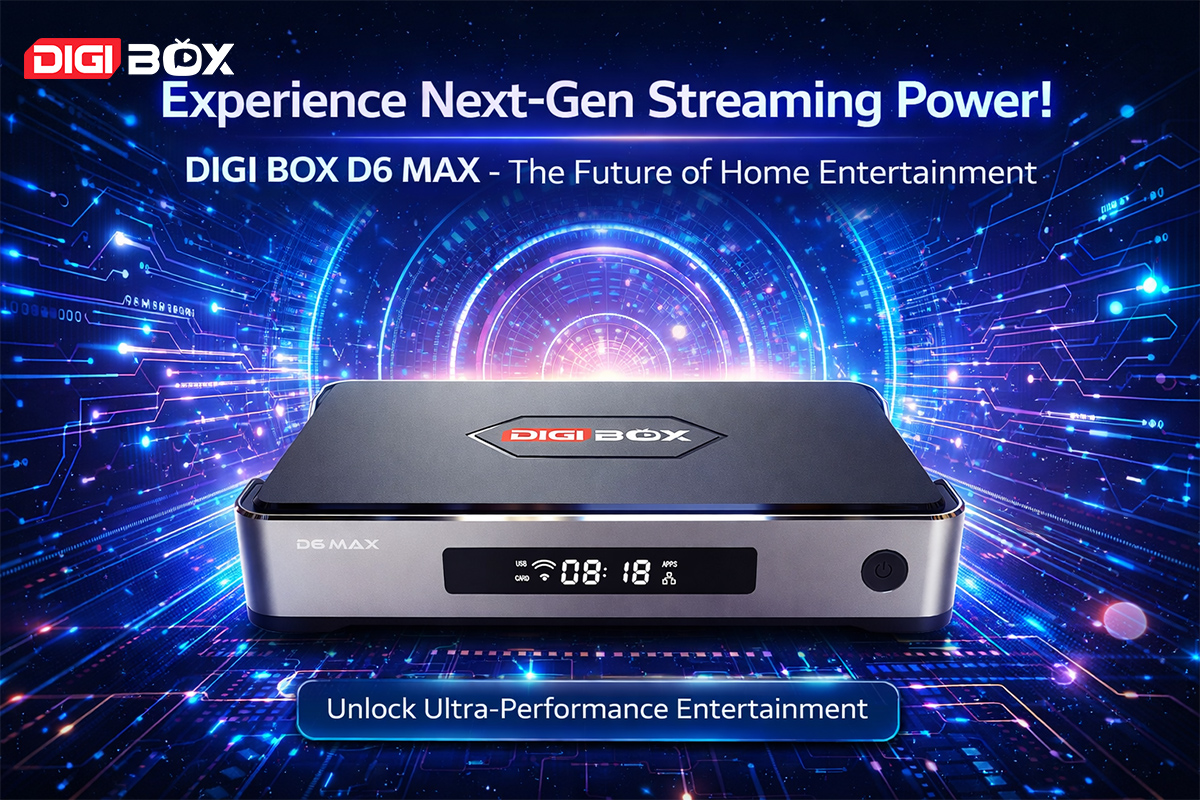
Now guys, you know I've reviewed a ton of Android TV boxes on this channel, and I truly appreciate all the support you give those videos. But today, we’ve got another serious player in town — DIGIBox D6 Max.
This is their flagship 2026 model, packed with powerful hardware, smart features, and insane entertainment options — TV channels, movies, sports, and so much more.
In this video, we're going to:
Go over the official website and specs
Do a full unboxing
Walk through the setup process
Explore the interface and features
Free Gifts Promotion
When purchasing from their official website, you receive:
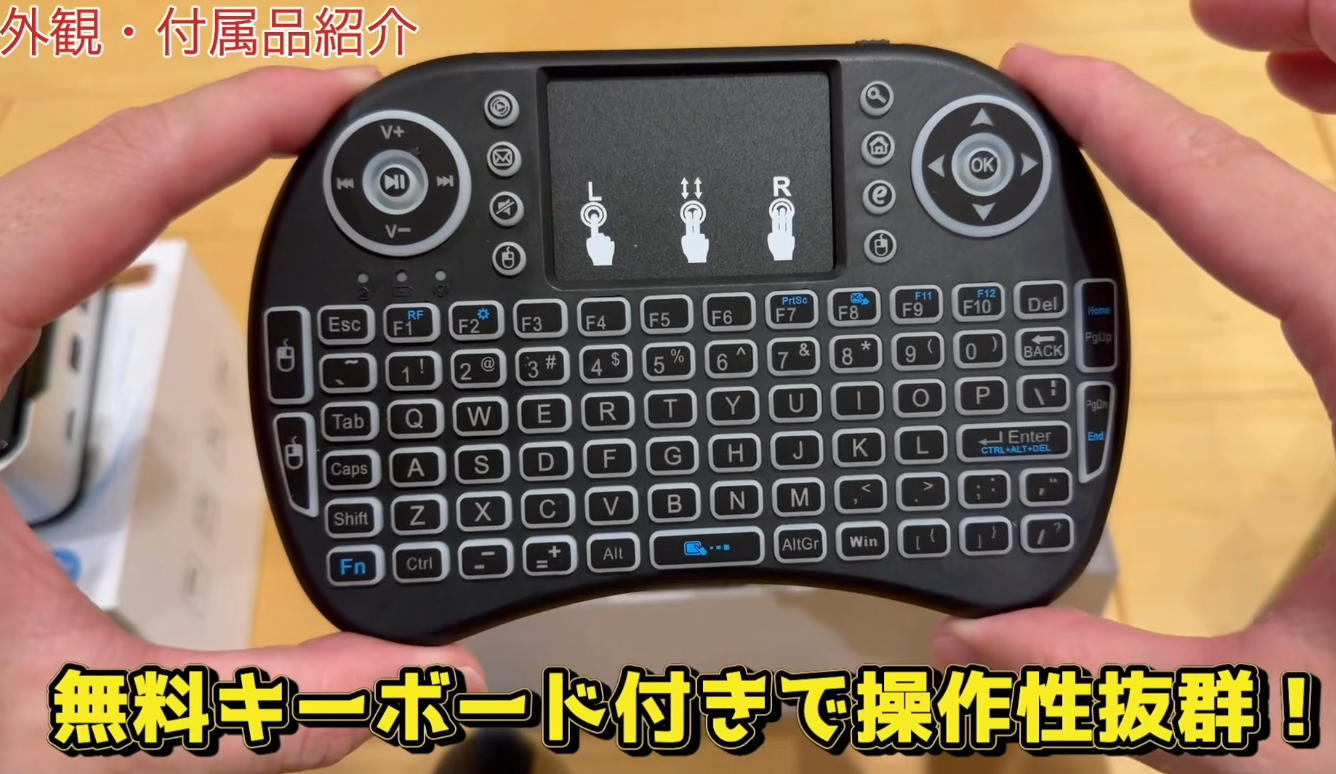
Mini Wireless Keyboard
These are nice bonuses that make setup and navigation much easier.
Purchase Benefits
Global shipping
Free delivery
30-day money-back guarantee
Lifetime software updates
1-year hardware warranty
Free gifts included
Hardware & Performance Upgrades
Compared to older models, D6 Max is a massive upgrade.
Key Hardware Specs
Gigabit Ethernet (1000Mbps) — faster wired internet
WiFi 6 Dual Antenna — stronger, faster, more stable wireless connection
Bluetooth 5.4 — faster pairing, longer range
Quad-core CPU — smooth performance
4GB RAM + 64GB ROM — fast loading, plenty of storage
Android 12 OS
8K support (24fps) and 4K at 60Hz
7-day playback (168-hour rewind)
Ports & Connectivity
4 USB Ports — keyboards, controllers, storage, webcams
USB-C Power Port — universal, easy replacement
HDMI Output
Gigabit Ethernet Port
Optical Audio Output
Micro SD Slot
AV Output for older TVs
Aluminum Body Design
Better heat dissipation
More durable build
Lightweight but premium feel
Smart Remote & Features
Smart Backlit Air Mouse Remote
Air mouse control
Backlit buttons
Voice search
TV power and volume control
Custom hotkeys (Red and Yellow buttons)
Built-in mouse mode
Phone Remote App
Scan the QR code to download the phone app and control your box using your smartphone:
Remote control
App launching
File transfer
Screen mirroring
Media sharing
This is a very unique feature that not many boxes support.
Setup Walkthrough
Step 1 – Language & Time
Select language
Choose time zone
Choose 12-hour or 24-hour clock
Step 2 – Main Interface
Bright, colorful, clean, and modern UI:
Time and date displayed
App shortcuts at the bottom
Fast response and smooth animations
Very premium experience.
Settings & Optimization
Audio Settings
Supports:
Dolby Atmos
DTS-HD
TrueHD
Pass-through mode
For beginners, use auto mode.
For advanced users, enable full HD audio formats manually.
Display Settings
Auto HDR
Resolution selection
Screen adjustment
Game mode
Landscape enforcement
Built-in Tools
Internet Speed Test
Memory Cleaner
Bluetooth manager
Network setup
Online system updates
File manager
App Store & Main Apps
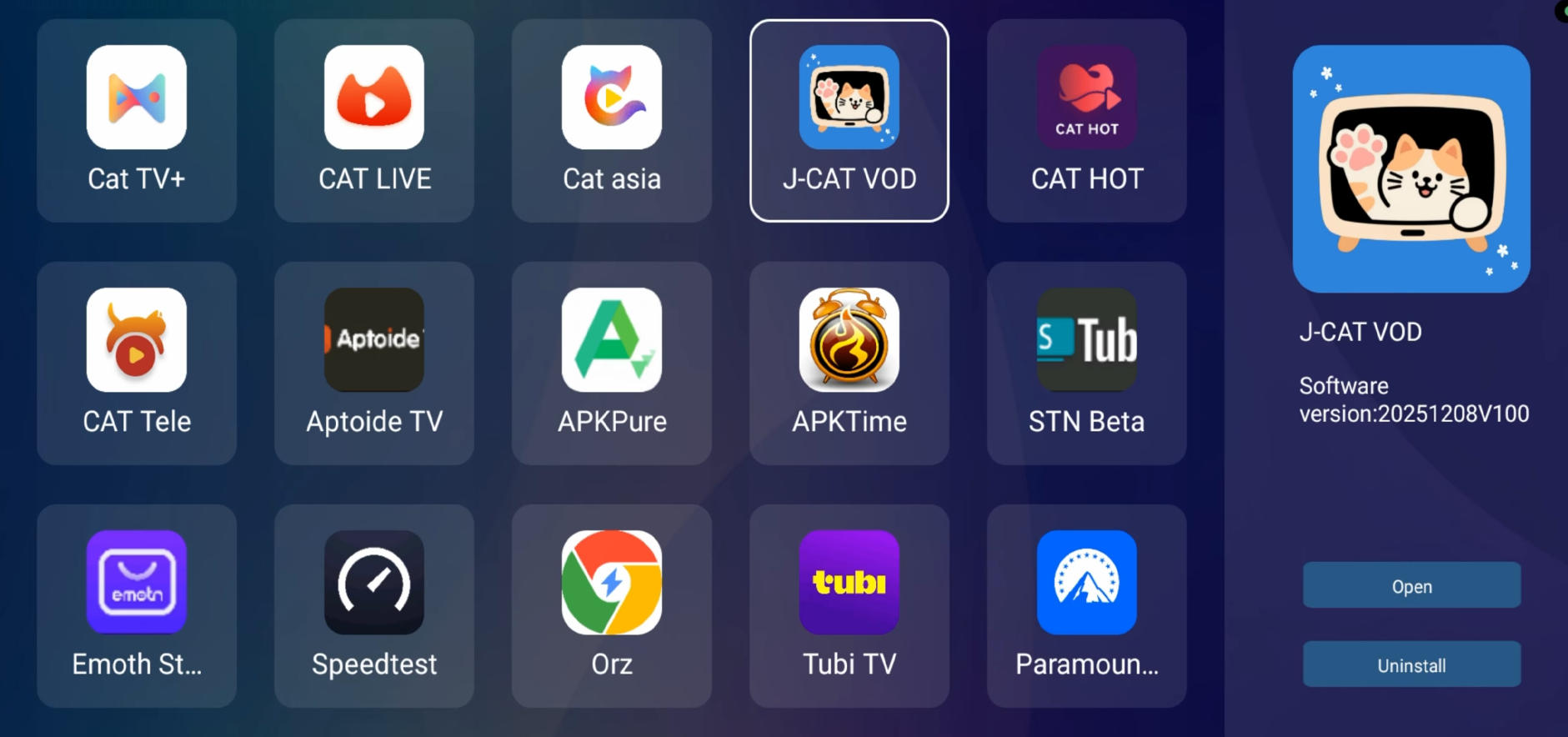
Inside the built-in App Store, download:
CAT TV Plus
CAT Live
CAT Asia
JCAT
CAT VOD
CAT Hot (Adult section)
These apps are the core reason people buy this box.
Other Popular Apps
YouTube Leanback
Netflix HD
Disney+
Pluto TV
SmartTube
Google Play Store
Live TV, Replay & Features
7-Day Replay (Time Shift)
Rewind any channel up to 168 hours
Never miss shows or sports events
Favorites
Hold the OK button to add channels to favorites.
Easy access to your favorite content.
Final Thoughts
The DIGIBox D6 Max delivers:
Fast performance
Massive content
Smooth interface
Advanced tools
Premium accessories including mini wireless keyboard
This is one of the most powerful Android TV boxes of 2026.